You searched for the best apps to learn piano. Every article you found said the same five apps are great, gave them each a star rating, and quietly linked to an affiliate page. This one is different.
I’m not going to tell you apps are bad — some of them are genuinely useful, and I’ll explain exactly when. But I arrange and play rock, metal, and video game music, and I’ve seen firsthand what app-learners can and can’t do when they finally try real songs with both hands. There’s a ceiling. It arrives faster than most people expect, and the apps themselves won’t warn you when you’re approaching it.
So here’s an honest breakdown of the best apps to learn piano: what each one actually does well, where each one runs out of road, and what the alternative looks like if you’re serious about getting further than a few recognisable snippets.
What Piano Learning Apps Do Well
Let’s give credit where it’s due. Apps have genuinely changed the accessibility of piano learning, and writing that off entirely would be dishonest.
Gamification lowers the barrier to starting. Streaks, progress bars, and immediate audio feedback make those first few weeks feel rewarding in a way that sitting alone with a method book doesn’t. If you’ve never touched a piano before and you’re trying to build the habit, that’s a real thing worth having.
Daily reminders and streaks create consistency. Most beginners don’t fail because they’re not talented — they fail because they stop practising after three weeks. Apps are designed specifically to combat that drop-off, and they’re reasonably good at it.
You get instant feedback without a teacher. When you hit a wrong note, you know immediately. That’s a significant advantage over practising in isolation with no reference point.
Pitch recognition comes naturally. Playing along with audio, even in an app format, trains your ear faster than purely visual exercises. Very basic rhythm — knowing when to play a note in relation to a beat — also develops passively.
The cost is low. Even premium subscriptions are a fraction of private lesson costs. For someone testing whether they enjoy piano at all, that trade-off makes sense.
If you’re just starting out and you want a structured path from zero — one that goes beyond what an app can offer — my beginner piano roadmap covers the full learning journey from your first notes to playing complete songs with both hands.
The Best Apps to Learn Piano — Compared
These are the apps that dominate search results. Here’s what each one actually offers and, more importantly, where each one hits a wall.
| App | Type | Strengths | Weaknesses | Best For | Where It Fails |
|---|---|---|---|---|---|
| Simply Piano | Guided curriculum | Structure, song variety, chord mode | Skips real notation; left hand frequently simplified | Absolute beginners wanting fast wins | Users who want to read music or tackle complex pieces |
| Flowkey | Song-based | Clean interface, wide song library | Passive learning; minimal music theory | Adults who want to play specific pop songs | Developing musicality or sight-reading ability |
| Synthesia | Falling blocks (MIDI) | Visual, instant gratification, strong for game tracks | Zero music reading; no rhythm training beyond basic timing | Casual players, visual learners, gaming soundtrack fans | Real-world piano — skills don’t transfer |
| Playground Sessions | Gamified lessons | Engaging, closest to real notation of the five | Expensive; gamification prioritised over depth | Motivated beginners who respond well to rewards | Long-term serious progress |
| Yousician | Multi-instrument | Large content library, skill level tracks | Breadth over depth; significant content behind paywall | Experimenting with piano alongside other instruments | Dedicated piano learners wanting mastery |
Pricing and Device Compatibility
Every comparison article I’ve found lists the apps without mentioning what they actually cost. Here’s the full picture — including what you get free before the paywall arrives.
| App | Free Tier | Monthly (approx.) | Annual (approx.) | iOS | Android | Desktop |
|---|---|---|---|---|---|---|
| Simply Piano | Very limited | ~$19.99 | ~$119.99 | ✓ | ✓ | ✗ |
| Flowkey | Limited songs | ~$19.99 | ~$119.99 | ✓ | ✓ | Browser |
| Synthesia | MIDI playback only | — | ~$39 one-time | ✓ | Limited | ✓ |
| Playground Sessions | None | ~$19.99 | ~$119.99 | ✓ | ✓ | ✓ |
| Yousician | Limited daily time | ~$29.99 | ~$119.99 | ✓ | ✓ | ✓ |
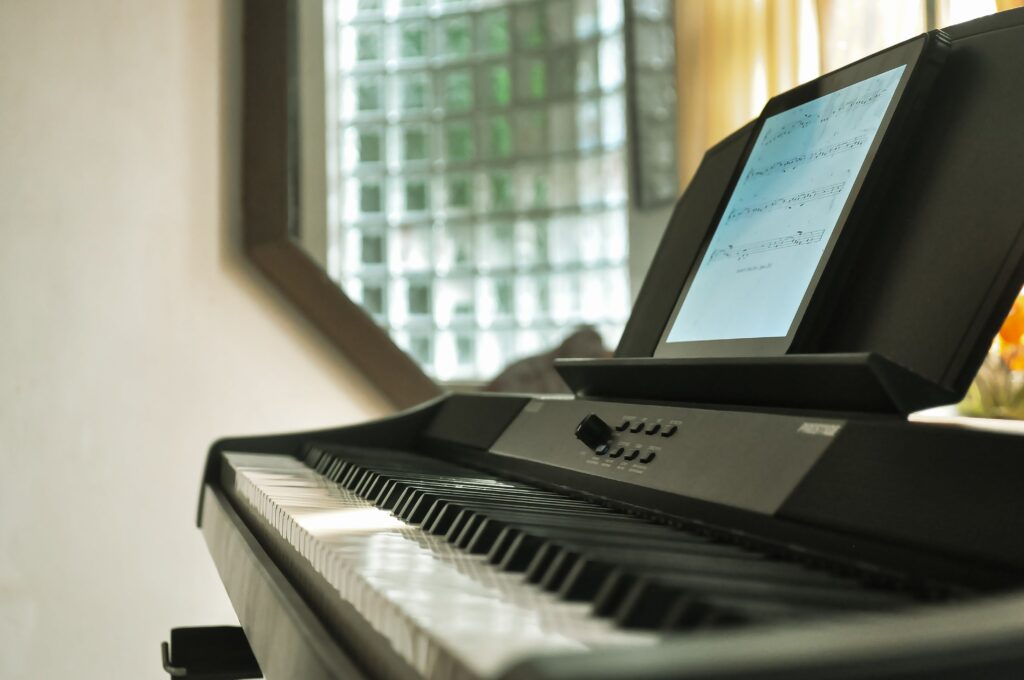
One note on device requirements: all five apps expect you to be playing on a real keyboard — a MIDI keyboard connected to your device. Tapping on a tablet screen doesn’t build the muscle memory or finger strength that piano requires. An entry-level 61-key digital keyboard is enough to get started.
Simply Piano vs Flowkey: Which One Is Better?
Simply Piano is the one most beginners land on first, and for good reason — it feels like an actual course. There’s a logical sequence of lessons, a song library that covers pop and classical, and a chord mode that makes you feel like you’re making music quickly. The problem is that its notation is simplified almost to the point of fiction, and the left hand in beginner songs is so reduced that you’re not actually learning accompaniment — you’re pressing one note every four beats and calling it progress.
Flowkey has the best interface of the five. It’s clean, the song library is large, and the scroll-through experience while playing is satisfying. What it doesn’t do is teach you anything about why the music works. You follow along, you get the notes right, you learn the song — and then if you try to play something not in the library, you’re starting from zero again.
Between the two: Simply Piano is more structured for complete beginners who want a curriculum; Flowkey is better suited to adults who already have basic coordination and want to learn specific songs. Neither teaches you to read music.
Synthesia vs Simply Piano: A Different Category Entirely
Synthesia is where things get genuinely complicated. As a visual tool for watching how a piece is structured, it has real value. But the falling-block format — coloured bars descending onto keys — is not music reading. It’s pattern matching. Synthesia and Simply Piano aren’t really comparable because they’re solving different problems: Simply Piano is trying to teach you piano; Synthesia is a MIDI visualiser that can be used as a learning tool. I’ll go into this in detail in the next section, using a specific example from a song you’ve probably searched for.
Playground Sessions has production value and energy. The lessons are well-produced and the gamification is more sophisticated than most competitors. Of the five apps, it comes closest to incorporating real staff notation — but at its price point, the ceiling on musical outcome isn’t dramatically higher than the free apps.
Yousician works best if you’re not sure whether you want to focus on piano or another instrument. It covers guitar, bass, ukulele, and vocals alongside piano, and the skill levels are reasonably well-calibrated. The trade-off is that a platform built for five instruments has naturally spread its resources thin — and the piano content, while functional, doesn’t go deep enough for anyone serious about the instrument.
What Apps Don’t Teach You (And Why It Matters)
This is where I’m going to be more direct than the apps would probably like.
You Learn Songs, Not Music
There’s a meaningful difference between learning a song and learning music. Apps are optimised for the former. You can complete a Simply Piano course and still not know what key you were playing in, why the chord progression worked, what time signature you were counting in, or how to adapt when you hit a wrong note mid-performance. You memorised a sequence of movements. That’s not nothing — but it’s also not piano.
The contrast becomes clear when you work from proper sheet music. Take Nothing Else Matters by Metallica — one of the most played songs in my catalog, and one I’ve arranged at intermediate level with full staff notation. When you learn it from the score, you understand that the opening is a clean Em arpeggio in 6/4 time, that the fingering logic follows from that, and that if you understand the pattern you can adapt it when your hands need to adjust. You’re not memorising a visual map — you’re reading music.
If you want to see what full-notation arrangements look like in practice, my arrangement of Nothing Else Matters is in the sheet music catalog alongside everything from Linkin Park to Minecraft.
The Left Hand Problem
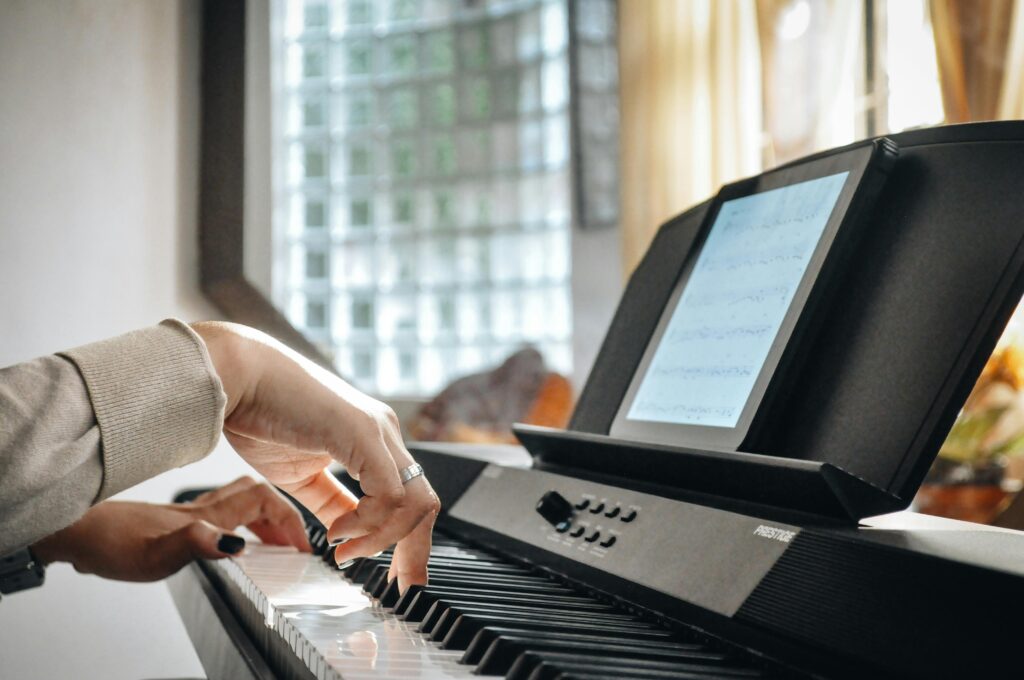
Almost every major piano app lets you practise right hand only, or simplifies the left hand so aggressively that you’re not really playing an accompaniment at all — you’re pressing a root note on a downbeat and that’s it. Apps do this for a calculated reason: left-hand independence is where beginners quit. The coordination required to run two independent melodic or rhythmic lines simultaneously is genuinely difficult, and that difficulty translates into user churn.
So apps protect you from the hard part — and they present that protection as a feature. “Right hand first — then add the left hand when you’re ready.” Six months later, you’re still not ready, and the left hand option is still sitting there as a reduced, simplified, optional addition.
Here’s the honest framing: if you’ve been on Simply Piano for six months and you still aren’t comfortable playing with both hands in synchronisation, the app hasn’t been preparing you for the hard part. It’s been keeping you away from it. That’s not a learning strategy — it’s retention engineering.
Synthesia and the Falling Block Ceiling
Synthesia deserves its own section because it’s the most visually impressive and the most misleading of the group. Let me use a specific example — Sweden by C418, one of the most searched piano songs in the Minecraft fandom and a piece I have a full arrangement for.
In Synthesia, Sweden appears as a cascade of coloured bars descending onto a keyboard diagram. You watch, you wait for the bar to arrive, you press the key. It’s satisfying, it’s visual, and after a week of practice you can play through Sweden start to finish. That feels like a genuine accomplishment — and in a narrow sense, it is.
But here’s what you don’t know after that week: where the notes are on a staff, what the time signature is, what makes the opening melody sound the way it does, how to transpose it if it sits slightly too high or low for your hands, or how to apply anything you learned to any other song. The skills don’t transfer. You learned Sweden — not how to play piano.
Signs You’ve Outgrown Your Piano App
This isn’t talked about anywhere, because apps have no incentive to surface it. But if several of the following describe where you are, you’re past the point where the app is helping you grow:
- You’ve completed the beginner course but you don’t feel like a beginner level has changed much.
- You can play songs you’ve practised, but picking up a new song still feels like starting from scratch every time.
- Your left hand is still doing something simplified — a root note, a basic arpeggio pattern that the app put there, not a real accompaniment.
- When you make a mistake mid-song, you stop and restart rather than finding your way back in.
- You can’t look at a piece of sheet music — a real score — and know where to begin.
- You’ve been at roughly the same level for two or more months despite regular practice.
These are structural limitations of the format, not a reflection of your ability. The plateau is built in.
Who Apps Are Actually Good For (And Who They’re Not)
I want to be precise here rather than sweeping. Apps aren’t bad tools — they’re just the wrong tool for a specific kind of learner, and the app companies have no financial incentive to tell you which kind you are.
Best Piano Apps for Adults vs Children
For children, apps work well — particularly for ages 6–10 who need game mechanics and short feedback loops to stay engaged. Simply Piano and Yousician both handle this context better than they handle adult learning. If a child is being introduced to piano as a fun activity (rather than serious study), an app is a reasonable starting point alongside supervised practice.
For adults, the picture is more complicated. Adults learning piano for the first time typically have a specific motivation — a song they want to play, a musical identity they want to inhabit. The gamification that works on children often feels patronising to adults after the first few weeks. The best piano app for adults is the one that gets out of the way fastest and moves them toward real material. In practice, that often means using an app for the first month to build habit and basic coordination, then transitioning to proper sheet music as soon as any song feels learnable.
Apps work genuinely well for total beginners who need motivation to get their hands on the keys at all. If you only ever want to play three or four songs casually and you’re not bothered about reading music, an app is a completely reasonable way to do that. But if you want to reach a genuine intermediate level, work with both hands fluently, build a real repertoire, or understand what you’re playing well enough to be flexible — you need something different. The app’s ceiling will arrive somewhere between months three and nine.
What About Rock, Metal, and Video Game Music?
None of the five apps has a catalog built around rock, metal, or video game music in any serious way. Synthesia can load any MIDI file, which means technically you can use it with Metallica or Minecraft tracks — but the falling-block format doesn’t tell you anything about what you’re playing or why. You’re still just pattern-matching on a screen.
If your reason for wanting to learn piano is specifically to play rock or metal or game soundtracks, the most effective path is arrangements written for that material at a real difficulty level — not simplified, not gamified, but the actual song, both hands, with notation. That’s the gap I built my catalog to fill. Everything from Linkin Park’s Numb to Nobuo Uematsu’s Final Fantasy VII arrangements is graded by difficulty and written for piano in full staff notation. Browse the full catalog here.
The Alternative — What Real Progress Actually Looks Like
If you’ve been on an app for a while and you’ve hit that plateau — or you’re starting fresh and you want to skip the frustration — here’s what the alternative actually looks like in practice.
Learning from proper sheet music with staff notation starts slower. The first two weeks are genuinely harder than opening Simply Piano and getting an instant win. You’re learning a visual language — treble clef, bass clef, note positions, rhythmic values — before you play a single song. Most learners find that within a month, that investment starts to pay back. You can pick up a new song you’ve never seen before and work through it. You’re not dependent on someone having uploaded a MIDI to Synthesia.
The key is choosing songs that are genuinely, honestly beginner-level — not app-simplified, not five notes with the left hand removed, but complete arrangements that are written to be accessible with both hands from the start. Here’s what that looks like from my own catalog:
- Numb by Linkin Park — the intro piano riff is one of the most approachable beginner pieces in rock. Steady rhythm, clear melodic phrasing, manageable left hand. This is where a lot of rock fans start.
- Imagine by John Lennon — a classic for a reason. The arpeggiated left hand pattern teaches coordination without overwhelming, and the melody is instantly recognisable as motivation.
- Minecraft Theme (Calm) by C418 — quiet, minimal, and beautifully spaced. Perfect for a beginner who loves the Minecraft soundtrack and wants something that sounds complete from the first session.
- Subwoofer Lullaby by C418 — slightly more atmospheric, with a left-hand pattern that introduces consistent coordination without being technically demanding. A real arrangement, not a trimmed-down version.
Each of these comes as an original arrangement with proper staff notation — not a simplified tab, not a MIDI rip, not a chord chart. If you’re a Patreon member, you also get the MIDI file and MP3 reference track for each song, so you can hear exactly how the piece should sound before you start working through the score. That’s the bridge between app-style listening and real reading — you come in with the sound already in your ear, and you read toward it. It’s how I’d recommend making the transition.
And if you’ve never read sheet music before, don’t let that feel like a wall. My free ebook on how to read piano sheet music if you’ve never tried before walks through everything from scratch — no prior theory knowledge assumed.
Frequently Asked Questions
Can you really learn piano with an app?
Yes — up to a point. Apps are genuinely effective for building the habit of practice, developing basic pitch recognition, and learning a handful of specific songs. The limitation is that most apps don’t teach you to read music, don’t develop real two-hand coordination, and don’t give you the foundational understanding that lets you learn new songs independently. You can learn a song with an app. Whether you’re learning piano is a different question, and the honest answer is usually: not beyond an early beginner level.
Is Simply Piano good for complete beginners?
For the very first weeks of playing, Simply Piano is a reasonable option. Its structured curriculum gives you something to follow, and the instant audio feedback is helpful when you have no other reference point. The problem emerges after two or three months, when the app’s simplified notation and reduced left-hand parts start to limit what you can actually do. If your goal is to read real sheet music or play anything beyond the song library, you’ll need to transition to a more rigorous method sooner than Simply Piano will suggest.
What is the best free piano learning app?
Yousician has the most generous free tier of the major apps, with a reasonable amount of content before it pushes you toward a subscription. Synthesia also has a free mode for MIDI playback. That said, if free is the constraint, YouTube has more comprehensive beginner piano content than any app, including full tutorials for specific songs with staff notation shown on screen. The absence of gamification isn’t a disadvantage if you’re self-motivated.
Do piano apps teach you to read sheet music?
Most of them don’t — not properly. Simply Piano uses a simplified floating-note display rather than real staff notation. Synthesia uses falling colour bars. Flowkey shows a hybrid scroll display that is loosely based on notation but doesn’t train you to read a score independently. Playground Sessions gets closest to traditional notation, but the gamified context means most users skip past the reading component. If reading music is a goal, apps are not the right tool — and none of them will tell you that directly.
What is better than Synthesia for learning real piano?
Any method that involves actual staff notation. Synthesia is excellent as a visualisation tool — watching a complex piece rendered spatially can help you understand its structure before you play it. But as a primary learning method, the falling-block format builds visual-motor pattern matching rather than musical understanding. If you want to actually learn to play piano — including reading music, using both hands, and being able to transfer skills between songs — working from proper sheet music with a real score is a fundamentally different and more durable path. The first month is harder. Every month after that is easier than it would have been with Synthesia.
Which piano learning app is best for rock and metal music?
None of the major apps has a catalog built around rock or metal. Synthesia can load any MIDI file, so technically you can use it with Metallica or Linkin Park tracks — but the falling-block format doesn’t explain what you’re playing or why. The more durable path for rock and metal fans is proper staff notation arrangements of the actual songs, graded honestly for your current level. That’s what my catalog is built around — songs you actually want to play, written to be read, not followed on a screen.
Can I learn piano on a tablet or do I need a real keyboard?
You need a real keyboard. Tapping on a tablet screen does not build the muscle memory, touch sensitivity, or finger strength that playing piano requires. Most apps strongly recommend a MIDI keyboard, and some require one to function at all. An entry-level 61-key digital keyboard with semi-weighted keys is enough to start, and you don’t need to spend more than £80–120 at that stage.
How long does it take to learn piano with an app?
With consistent daily practice of 20–30 minutes, most beginners can play a simple song within 2–4 weeks. The realistic ceiling for app-based learning is somewhere between 3 and 9 months — by which point you’ll have a small repertoire of memorised songs but limited ability to learn new material independently. The answer changes significantly if you transition to reading real sheet music: the start is slower, but there’s no comparable ceiling.
Is there a piano learning app that uses real sheet music?
Playground Sessions comes closest — it incorporates traditional notation more than the other major apps. But in practice the gamified format means most users engage with the score less seriously than they would with a printed sheet. If learning to read actual sheet music is the goal, original arrangements with full staff notation — practised away from a screen — remain the most effective method.
Final Thoughts
The best apps to learn piano are genuinely good at what they’re designed to do: get you started, keep you engaged, and deliver enough small wins to stop you quitting in week two. For that role, they’re hard to beat.
What they’re not designed to do is take you to intermediate. They’re not designed to teach you to read music, build real coordination between your hands, or give you the kind of musical understanding that transfers from song to song. That’s not a flaw — it’s a commercial decision. The ceiling exists, it’s just not advertised.
If you’ve already hit that ceiling, or you want to start with a method that doesn’t have one, the path is straightforward: real songs, real scores, both hands from the beginning. The beginner roadmap is a good place to start, and the sheet music catalog has original arrangements from zero upward — songs you actually want to play, written to be read, not followed.